Lilly – Patient Web App
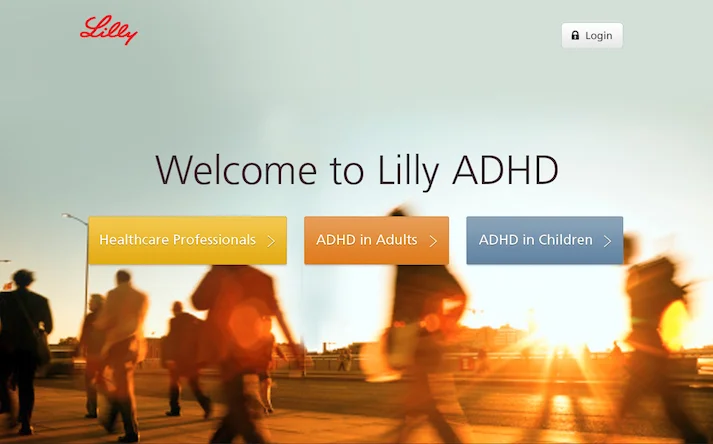
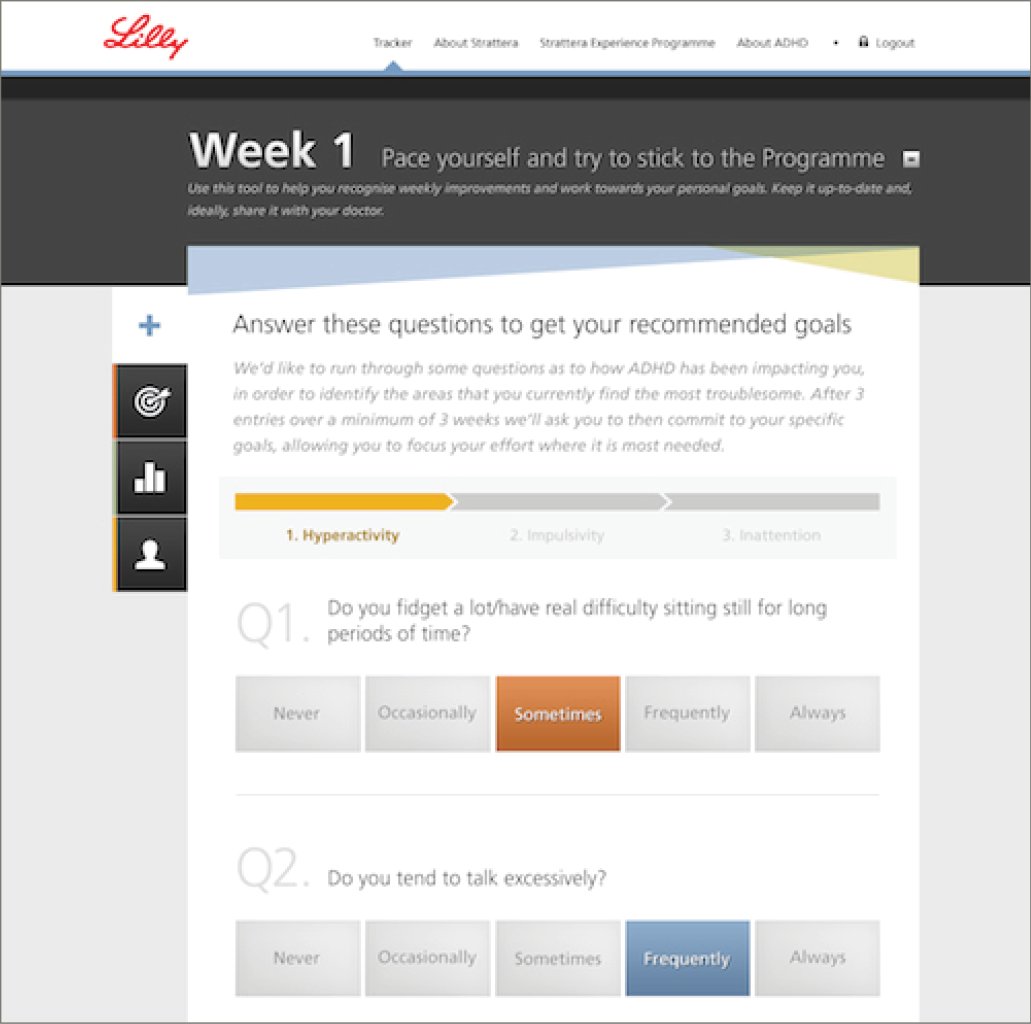
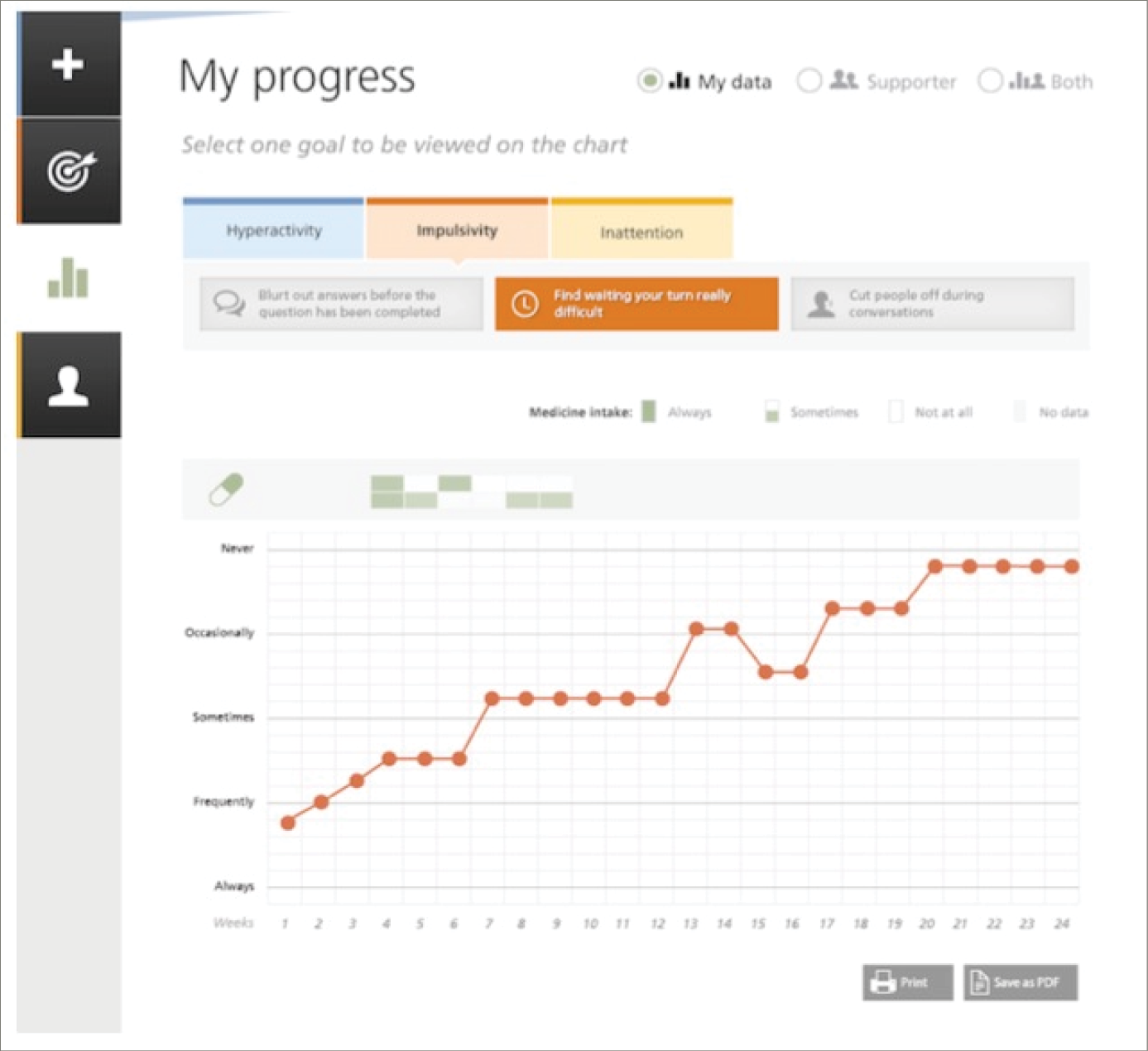
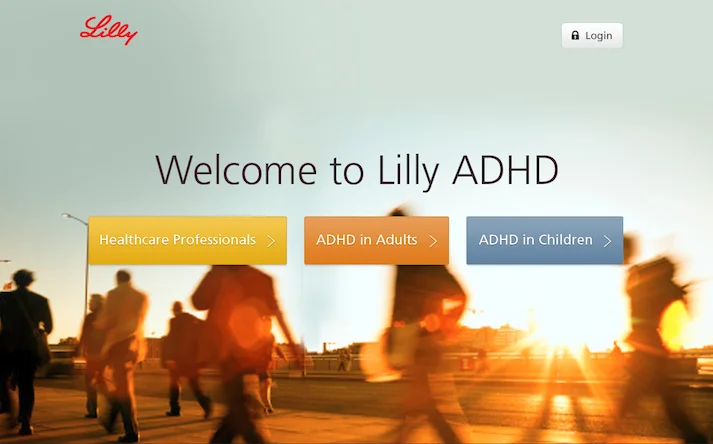
An interactive programme to help Lilly launch a medication for ADHD in adults across the EU. We designed a web app which encouraged patients to complete the initial treatment phase and provided a condition-awareness component for both patients and healthcare professionals (HCPs), as well as sales materials for Lilly reps.
Tools
Photoshop, Axure, Omnigraffle, Keynote, Paper, Post-its
Team Structure
Myself – UX Lead, Nitro
Client Services Director, Nitro
Visual Designers (3), Nitro
UX Designer, Nitro
Senior Brand Managers (2), Lilly
Digital Business Analyst, Lilly
Digital Project Manager, Lilly
Developers, External Agency
Research & Concepting
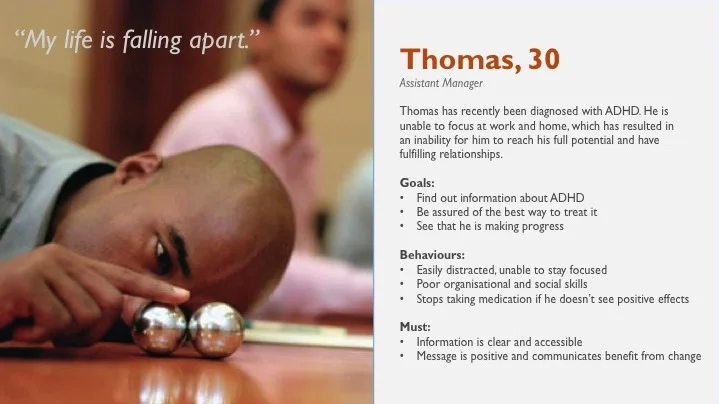
Using existing research that had been commissioned by Lilly to better understand the therapy area, I created preliminary personas for the main user groups. I then created moodboards and started sketching ideas, working with the account manager and other designers.
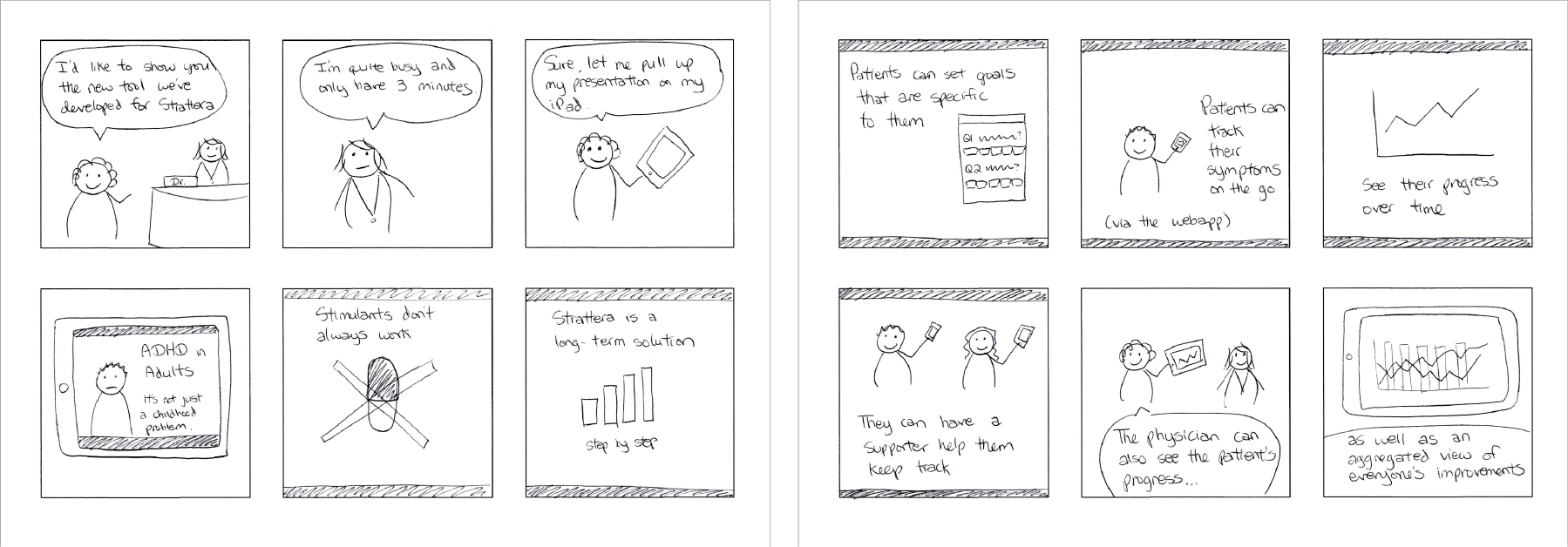
Storyboard
I used storyboarding to explore and convey the end users’ experiences with the programme/medication. The example below demonstrates how a pharma rep might use the programme’s e-detail (digital sales aid) when meeting a doctor.
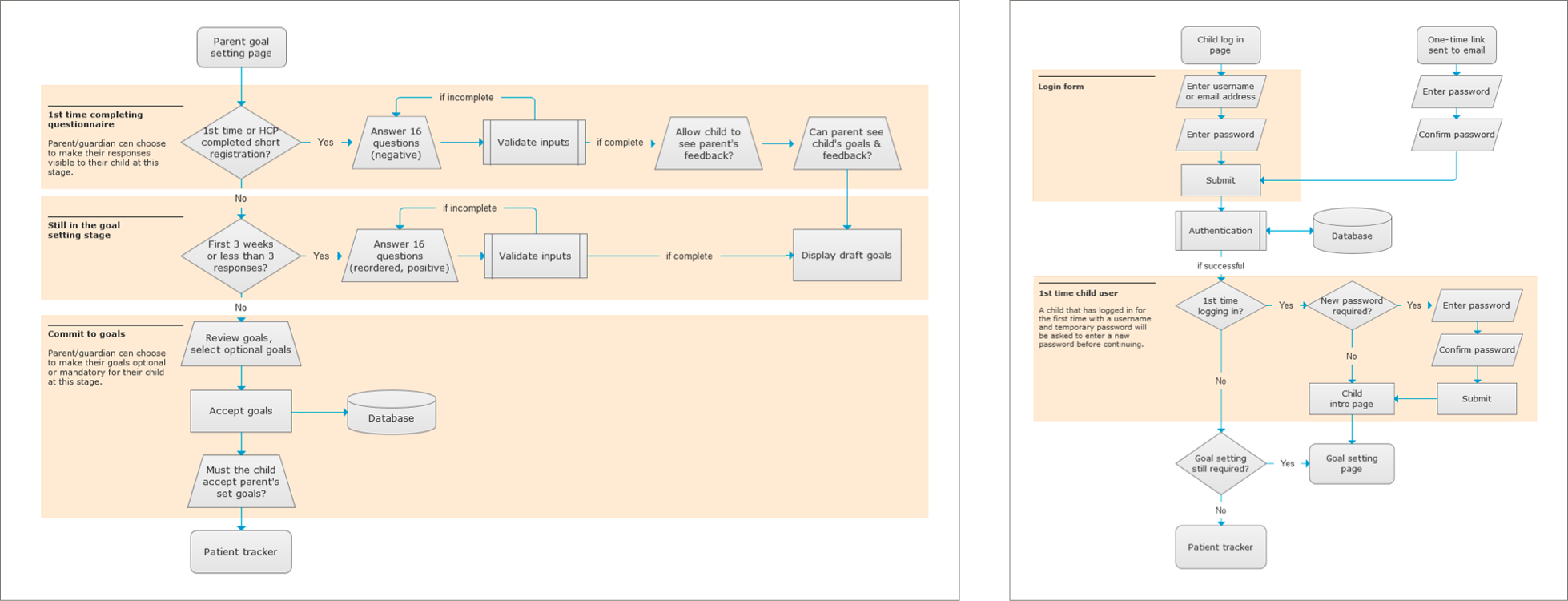
Task Flows
Based on client requirements and user goals, I created task flows to work out the critical user journeys. These were used in iterative discussions with team members, the client and development agency.
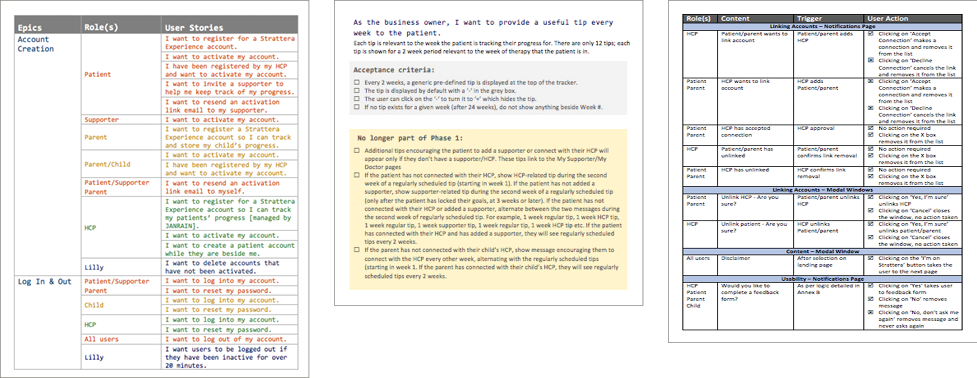
Specifications / User Stories
To capture the requirements, I wrote user stories and specified the acceptance criteria for each story. Following discussions with the client and developers, I updated the user stories to reflect changes in priority, scope and developers’ feedback.
Wireframes
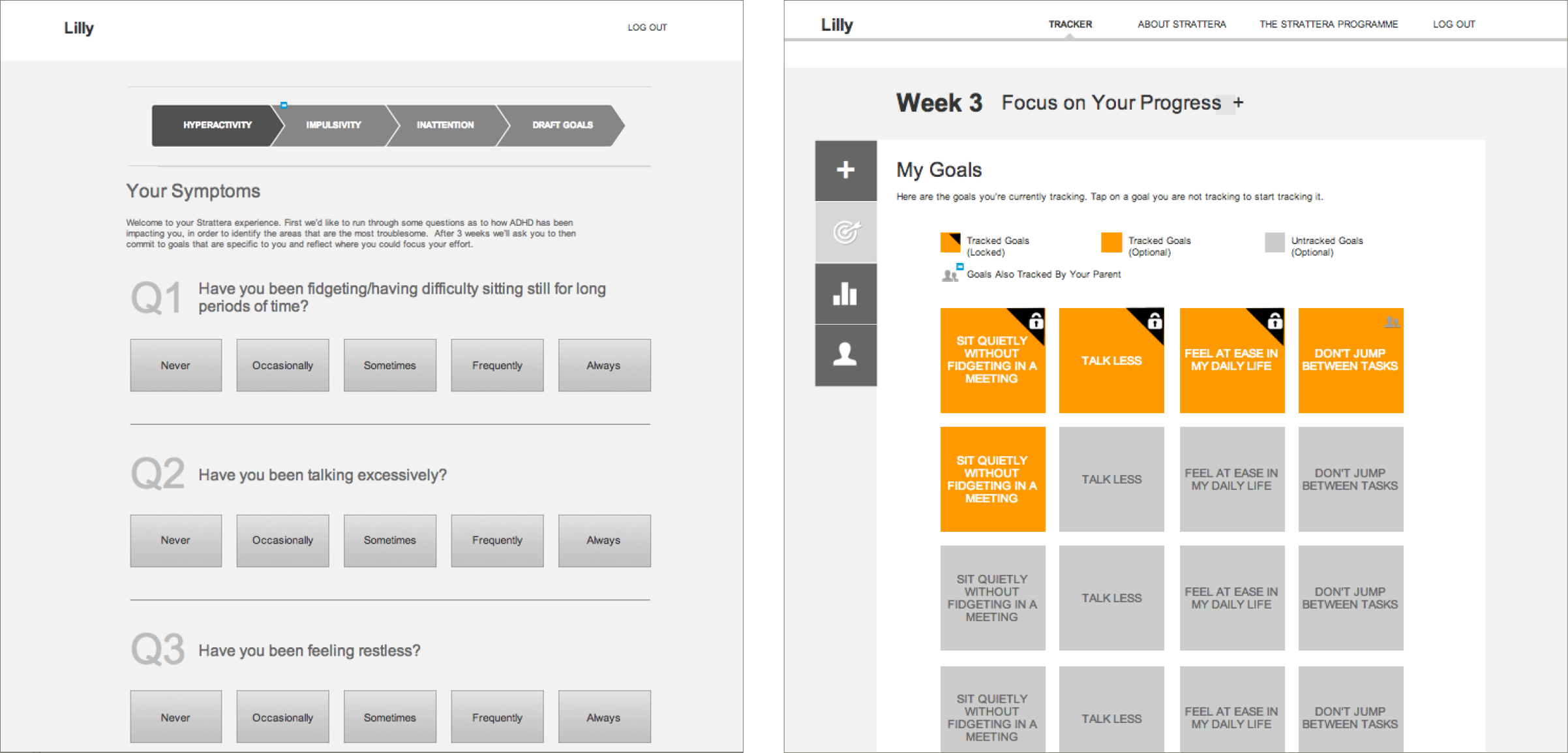
From initial sketches, I created wireframes to explore layout and interaction possibilities. This was followed by review sessions with the client.
Visual Design
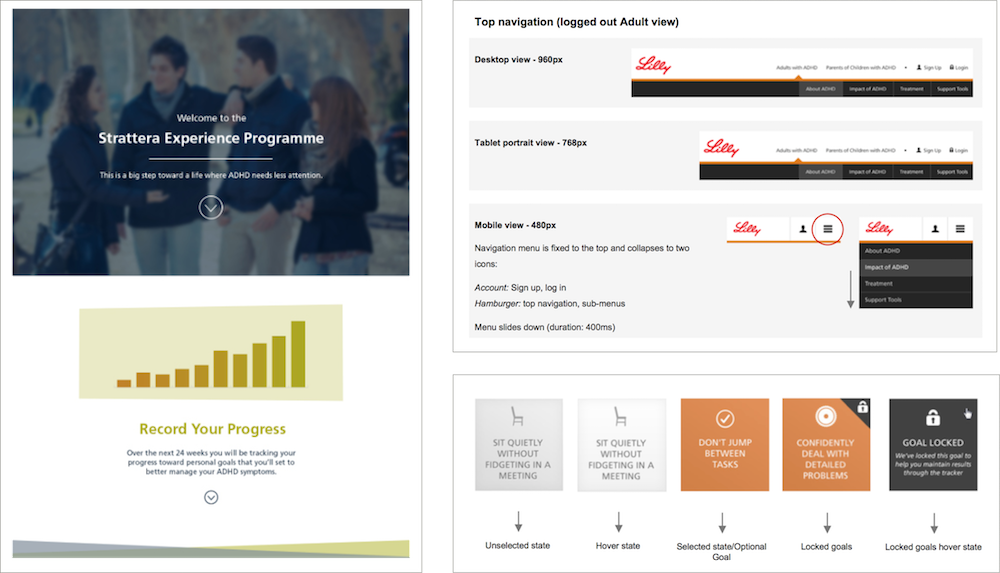
I worked with the client services director to guide creative direction and oversee the design team. I also worked on parts of the visual design, defined interaction states of various elements, and helped produce a styleguide that was used by the team and developers.
Prototyping and Usability Testing
I created high-fidelity prototypes in Axure for three different user groups using production content. I managed visual designers and another UX designer in order to deliver the prototypes against a tight deadline.
To prepare for usability testing, I specified the tasks and defined the target audience followed by the recruitment brief. I wrote the initial discussion guides and worked with the client services director and Lilly’s internal UX consultant to develop the script.
After each round of testing, I reported on the main issues and proposed solutions and next-steps with my team.